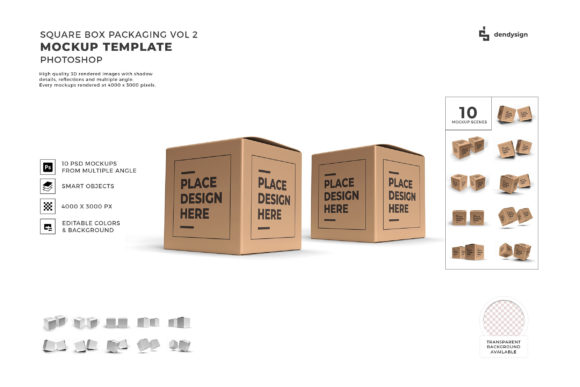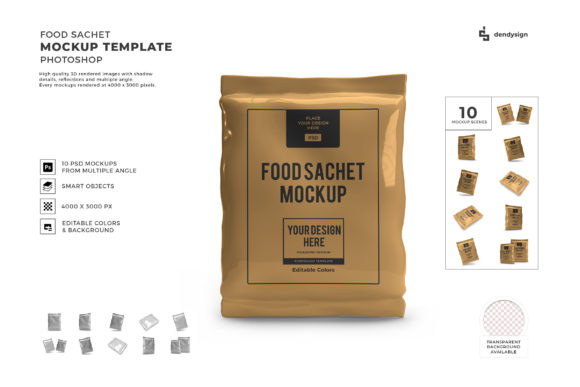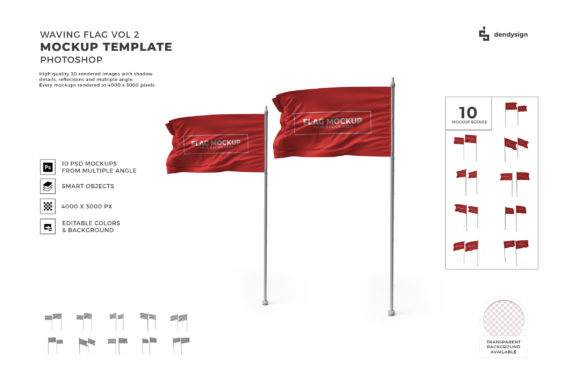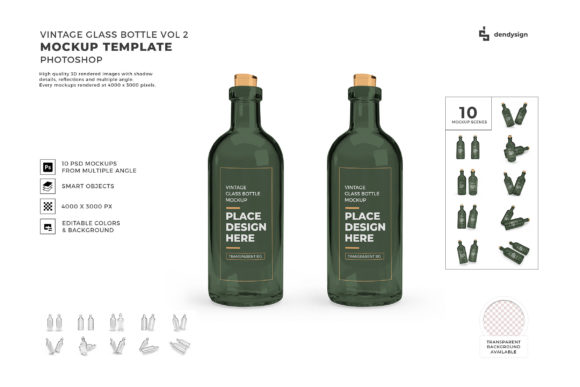
Styrofoam Food Box 3D Mockup Bundle 2
When you put time into a food product, the last thing you want is for the packaging to feel like an afterthought. A Styrofoam food box is one of the most common takeout containers in the industry, but that doesn’t mean it has to look generic. The Styrofoam Food Box 3D Mockup Bundle 2 gives you a practical way to present your packaging design with a clean, dimensional look that feels real. Whether you are a designer pitching a concept to a client or a small business owner sampling new box art, this bundle helps bridge the gap between a flat file and a finished product.
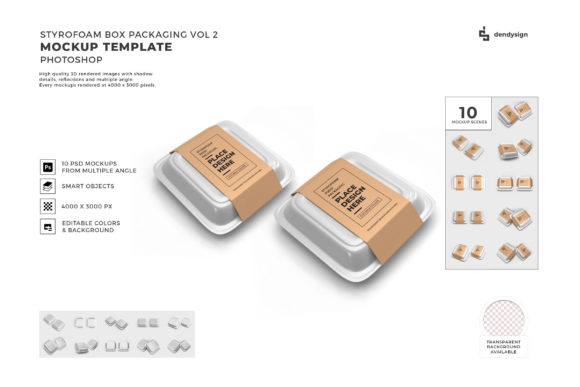
What makes this bundle stand out is the balance between realism and flexibility. The mockups are built to show off branding elements, logos, nutritional panels, and decorative graphics without fighting the container shape. Styrofoam has a distinctive matte texture and subtle give, and these renderings capture that surface quality well. The lighting is consistent and neutral, which means your design reads clearly rather than getting lost in harsh shadows or blown-out highlights. You get the box form, the practical proportions, and the tactile feel, all without needing a physical prototype.
What the Bundle Brings to Your Workflow
If you have ever tried to photograph a real Styrofoam box with a hand-drawn logo or a printout taped to it, you know how quickly things look amateurish. The mockups in this bundle eliminate that problem. They come with smart object layers that let you drop your artwork directly into the scene. You don’t need advanced 3D software or expensive photography equipment. Just place your design, adjust a few settings if needed, and you have a presentation-ready image in minutes.
The bundle includes multiple angles of the same box style. You get top-down shots, angled views, and a few open-box perspectives. This range is useful when you want to show both the lid and the interior, or when you need a hero shot for a menu insert and a secondary view for social media. Each angle is lit the same way, so your branding looks consistent across every image. That kind of visual continuity matters when you are building a cohesive brand identity for a restaurant, meal prep service, or catering business.
Another strength is the empty-canvas nature of the mockups. There are no distracting backgrounds or prop elements that compete with your design. You can use them as-is, or composite them into a styled scene with a wooden table, napkin, or utensil. The clean base gives you room to be creative without having to erase someone else’s props first.
Where the Mockups Shine in Real Projects
Food packaging mockups are not just for packaging designers. If you are a brand strategist pitching a new visual direction to a client, these images help tell the story. When a client can see their logo printed on an actual takeout box rather than a white rectangle, the concept clicks faster. The same goes for marketers building out a social media campaign. A photo-realistic mockup of a branded box performs better than a flat logo when you are trying to generate buzz or early interest.
For small business owners who operate a food truck, deli, or ghost kitchen, presenting your packaging professionally on your website or delivery platform builds trust. Customers associate clean, consistent packaging with quality food. Using a 3D mockup to preview a new box design before ordering a bulk print run also saves you money. You can test colors, logo placement, and messaging without committing to thousands of boxes first.
I have seen designers use these mockups for menu photography mockups, too. Instead of shooting real food in a real box, they create a digital version that looks just as appetizing and is much easier to edit. If you are a content creator or blogger writing about food packaging trends or takeout culture, these images add visual authority to your articles. They read as professional and intentional, not like a snapshot from a phone.
Choosing the Right Mockup for Your Project
Not all food box mockups are created equal. The Styrofoam Food Box 3D Mockup Bundle 2 focuses on a single, widely used container shape. This focus is actually a strength because it means the lighting, texture, and perspective are optimized for this specific box. When you buy a bundle with too many different containers, you often end up with inconsistent quality across the set. Here, each mockup shares the same visual language, so your designs feel unified even when shown from multiple angles.
Before you start, consider whether you need the box shown closed or open. If your design wraps around the lid and includes a logo on top, you probably want a top-down or slightly angled closed view. If your branding continues inside the lid or you have a pattern on the bottom half, an open view makes more sense. The bundle gives you both options, so you are not stuck forcing your design into the wrong angle.
Resolution is another factor. The mockups in this set render at sizes suitable for both digital and print use. You can pull screenshots for Instagram stories or export full-resolution files for a packaging catalog. That kind of flexibility is useful if your workflow jumps between web and print media frequently.
Practical Tips for Working with Mockups
When you open the mockup file, look for the smart object layer. This is usually labeled clearly. Double-click that layer, paste your artwork, save, and the mockup updates automatically. It sounds simple, but I have seen people ignore the smart object and try to manually place their design on top. That approach rarely aligns correctly with the box contours.
Pay attention to your artwork dimensions. A square logo will behave differently than a horizontal banner when applied to the box lid. You may need to adjust your design to fit the box proportions, especially if you are including text along the side panels. The mockups are a great tool for spotting these layout issues early. If your font is too small or your tagline wraps awkwardly, you will see it immediately in the render.
If you are pairing these mockups with other design assets in a larger brand toolkit, keep your color palette and typography consistent. The design assets you use on the box should match what appears on your website, menu, and signage. That includes your font pairing choices. A bold display font works well for the main brand name on the lid, while a cleaner sans serif font or even a subtle handwritten font can handle secondary information like the ingredient list or tagline. The mockup helps you see how those typographic choices interact on the actual container surface.
Readability and Visual Hierarchy on Packaging
Styrofoam has a slightly porous surface that can soften fine details if your text is too small or your font weight is too light. When you place your design into the Styrofoam Food Box 3D Mockup Bundle 2, zoom in and check how readable your copy is at actual size. A thin serif font at 10pt may look elegant on screen but become blurry on the rendered box. That feedback is valuable before you send the file to the printer.
Think about visual hierarchy on the box. The most important information, usually your brand name or logo, should command attention on the lid or front panel. Secondary information like “healthy meals” or “locally sourced” sits below it. Tertiary details like weight or cooking instructions go on the side or back. The multiple angles in this bundle let you check every side. If your hierarchy feels flat or cluttered, the mockup will show it honestly.
Brand perception changes fast when packaging looks thrown together. A clean, professionally rendered mockup signals that you care about the details. Customers may not consciously analyze your box texture or lighting, but they will feel the difference between a photo of a real box with wrinkled wrap and a crisp digital mockup. That impression carries over to how they judge the food inside.
Commercial Licensing and Real-World Use
Before you use any mockup in a commercial project, check the licensing terms that come with this bundle. Most quality mockup sets allow you to use the rendered images in client presentations, marketing materials, social media, and even product packaging catalogs. You typically cannot resell the mockup files themselves or claim them as your own creation. If you are a commercial font or design asset creator yourself, you probably already understand these boundaries. For everyone else, it is worth reading the license file once so you know what is allowed.
The bundle also works well inside larger design ecosystems. If you use Photoshop, the layered PSD files drop right into your existing workflow. If you use other software with PSD support, the smart objects behave the same way. There is no steep learning curve, which is a relief when you are working on a tight deadline.
Final Observations from a Designer’s Perspective
I have used dozens of packaging mockup sets over the years, and the ones that actually get used repeatedly are the ones that don’t fight you. The Styrofoam Food Box 3D Mockup Bundle 2 fits that description. It does one thing well, it does it from enough angles to cover most presentation needs, and it keeps the technical friction low. If you are branding a food business, launching a meal kit, or simply building a portfolio piece around modern takeout culture, this bundle removes the overhead of setting up your own photography.
The packaging world is full of overly styled mockups that distract from the design. This set is not that. It gives your work room to breathe, which is exactly what you want when the container itself is a simple, everyday object. When the mockup steps back and lets your brand take center stage, that is when the presentation wins.